How to Safely Try a New DeFi App Without Risking Your Main Wallet
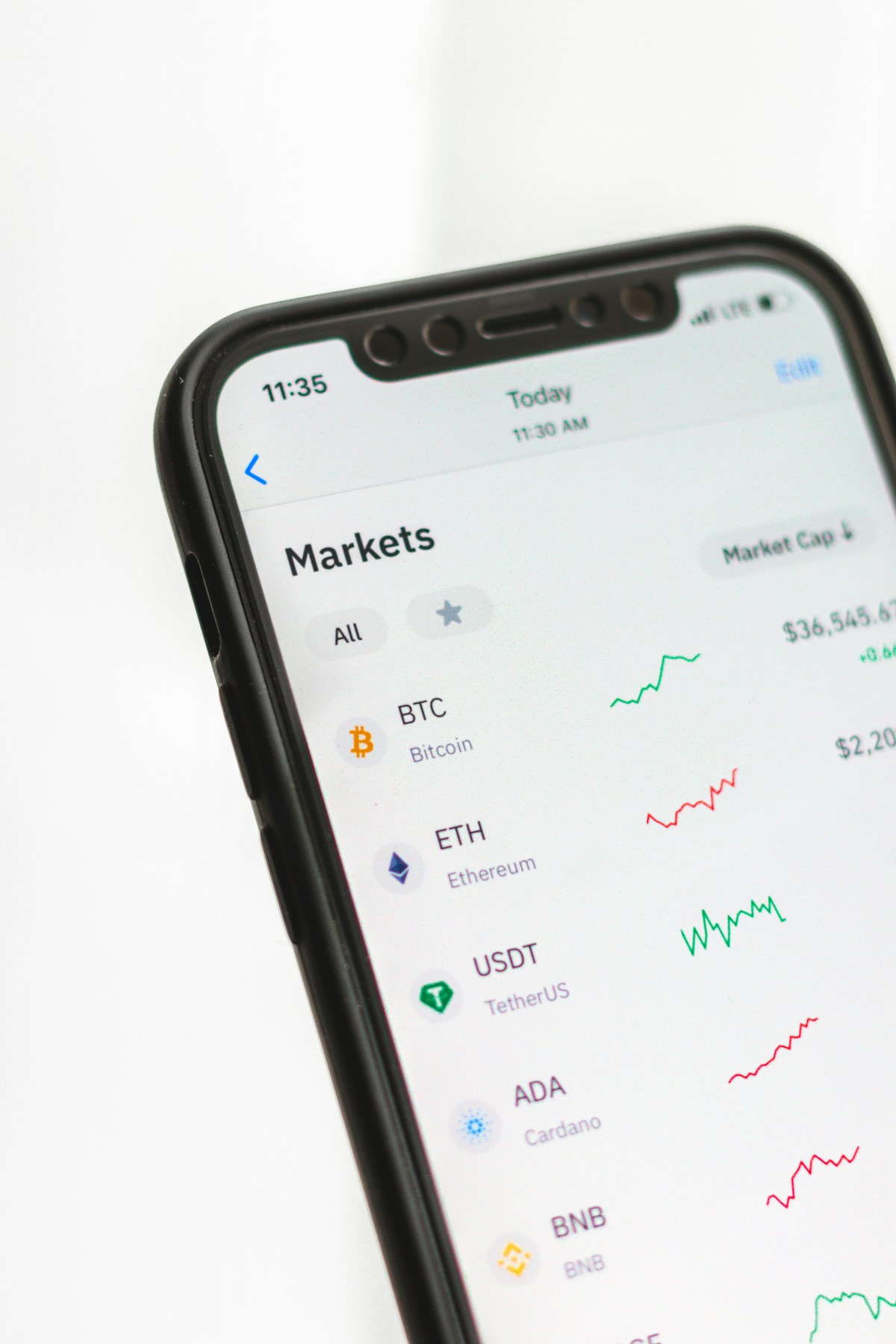
- Primary Signal: How to Safely Try a New DeFi App Without Risking Your Main Wallet
- Overview: New DeFi apps are worth exploring, but not from the wallet holding your savings. Use a burner setup, small amounts, and a checklist before you connect....
- Verification: Analyzed and compiled by CryptoAce VIP editorial monitoring desk.
Decentralised finance moves fast, and the most interesting new apps are often the least proven. Trying them from your main wallet, the one holding your savings, is how small experiments turn into large losses. The safe way to explore is a burner setup: a separate wallet, funded with small amounts, used only for new and unproven apps, with a short checklist before every connection. It takes ten minutes to set up and it caps your worst case at whatever you chose to risk.
Start by creating a dedicated experiment wallet, separate from your main holdings, and fund it only with what you can afford to lose in a single session. Think of it as the cash you would carry into a market you have never visited: enough to try things, never enough to hurt if it disappears. Never fund it directly from your main wallet in a way that links the two publicly if privacy matters to you, and never import your main wallet's seed phrase into a new app or device for testing. A burner wallet only works if its keys are genuinely separate.
Before connecting the burner wallet to any new app, run a quick reputation check. Search the app name alongside words like scam, hack, and audit, and check whether any reputable auditor has reviewed its contracts. Look at how long the project has existed, whether its team is reachable, and whether its social accounts show real activity rather than bought followers and copied posts. A project that fails these basic checks is not worth even burner funds. If the app demands permissions that do not match its function, for example unlimited access to tokens it never needs to move, stop there.
When you do connect, control the approval carefully. Approve only the exact amount the action needs when the wallet allows it, and prefer apps that request limited allowances over those demanding unlimited access. After the session, revoke the app's approvals through a checker, even if you plan to return: re-approving later costs a little gas and removes standing access in the meantime. Keep a simple note of which apps your burner wallet has touched, so a future exploit announcement lets you check your exposure in seconds rather than hours.
Test new apps in stages rather than all at once. First, connect and look around without depositing anything. Then deposit a tiny amount, perform the core action, and withdraw it again to confirm the full loop works, including the exit. Only after a clean round trip should you consider a larger, still modest, amount. Many scams reveal themselves at the withdrawal step, which is exactly why the test must include getting funds back out, not just putting them in.
Exploring new DeFi apps is part of the fun of crypto, and a burner setup lets you enjoy it without betting your savings on every experiment. Separate keys, small amounts, a reputation check, limited approvals, and a tested exit: five habits that turn reckless exploration into a controlled experiment.
An app earns its way out of the burner wallet only after a track record, not after a single successful trade. Reasonable graduation criteria include several months of operation without a security incident, a completed audit from a reputable firm, locked liquidity where relevant, and repeated clean deposits and withdrawals on your side. Even then, keep approvals limited and review them regularly, since an app that is safe today can be compromised tomorrow through its own upgrade keys or a team change. Graduation is not a one-time decision: it is a status you keep re-checking, and any exploit announcement or sudden team change should send the app straight back to burner-only treatment.
📖 Continue Reading the Full Story
Continue reading this article on CryptoAce VIP.
⚡ Access Full Content NowMore from CryptoAce VIP


 🚀 RocketCoin Casino
How Do Instant-Play Crypto Casino Games Work Without Downloads?
Instant-play crypto casino games run entirely in your browser with no downloads needed. Learn how HTML5 techno...
🪙 FreeFortune Crypto
How to Send Bitcoin from Trust Wallet to Binance Without Losing Money on Fees
A step-by-step walkthrough for moving Bitcoin from Trust Wallet to Binance safely, with practical tips for kee...
 📦 Free2Rich Vault
How to Price Your First Freelance Project Without Undercharging
A practical pricing walkthrough for new freelancers: calculating your floor rate, choosing between hourly and ...
 ⚡ LiveCoin Bet
Can AI Voice Agents Handle a Crypto Trading Desk's Phone Lines?
A trading desk's phone goes from quiet to twenty simultaneous calls during a liquidation cascade. AI voice age...